01_Query
Lernmaterialien
Customer Product
Aura
Neo4j Aura is Neo4j’s fully managed cloud platform (Graph Database as a Service). Instead of running Neo4j yourself, Aura runs it for you: provisioning, upgrades, backups, monitoring, scaling, etc. (Graph Database & Analytics)
Main “products” inside Aura
AuraDB: the managed Neo4j graph database service (hosted on major cloud providers like AWS/Azure/GCP). (Graph Database & Analytics)
AuraDS: the managed Graph Data Science service (graph algorithms/ML workflows in a managed environment). (Graph Database & Analytics)
Security & ops (examples)
Connections are encrypted (TLS) and data is encrypted at rest (including within the service infrastructure). (Graph Database & Analytics)
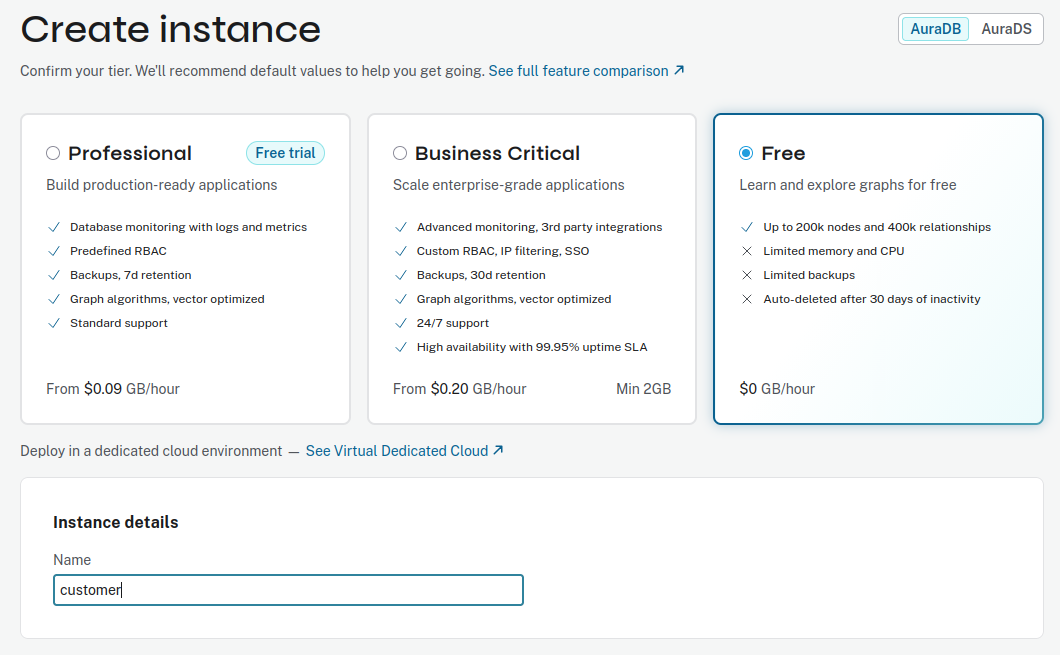
Aura has different tiers; the Free tier has limits (e.g., capped nodes/relationships). (support.neo4j.com)
There are also API rate limits depending on tier/billing setup. (Graph Database & Analytics)
Setup
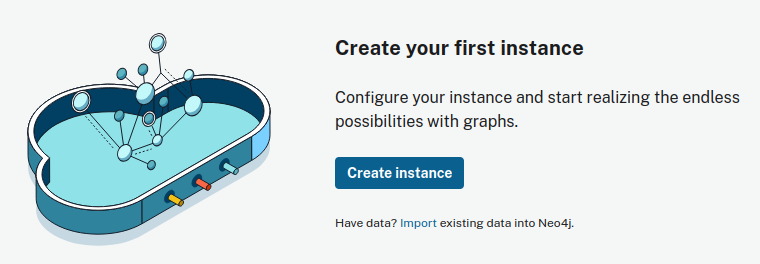
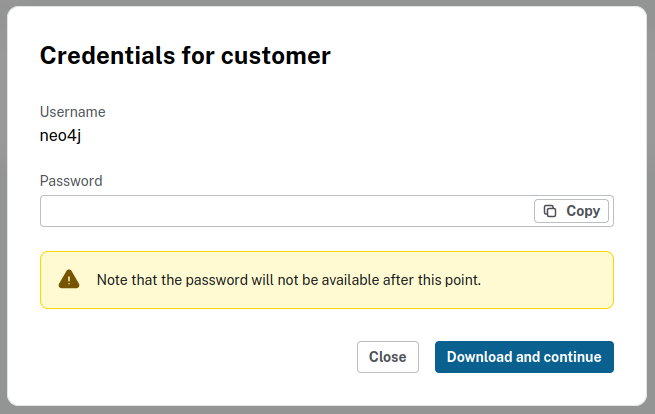
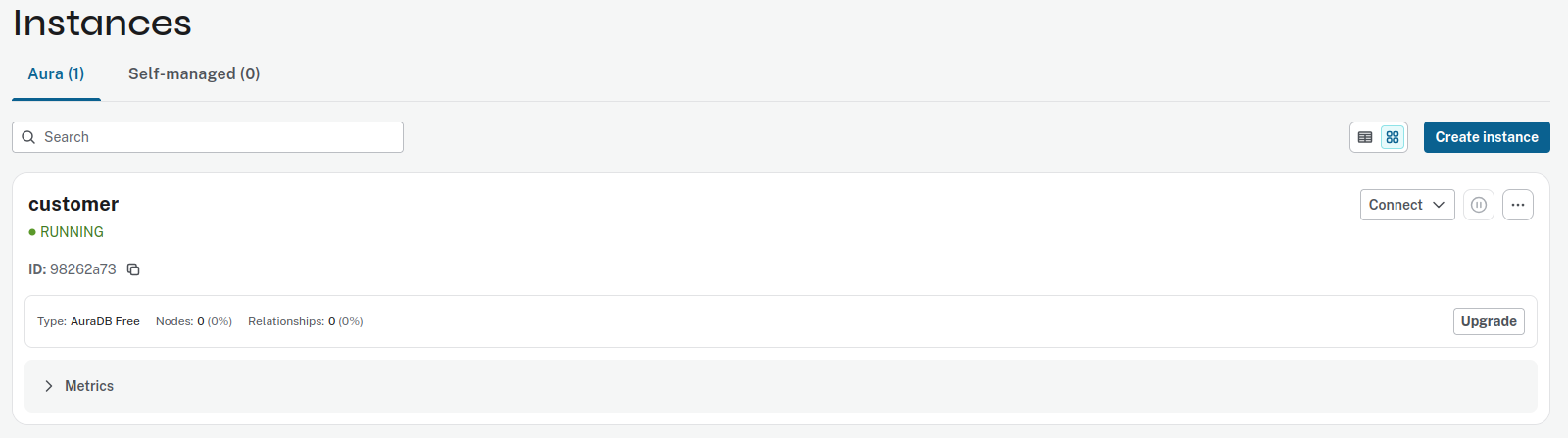
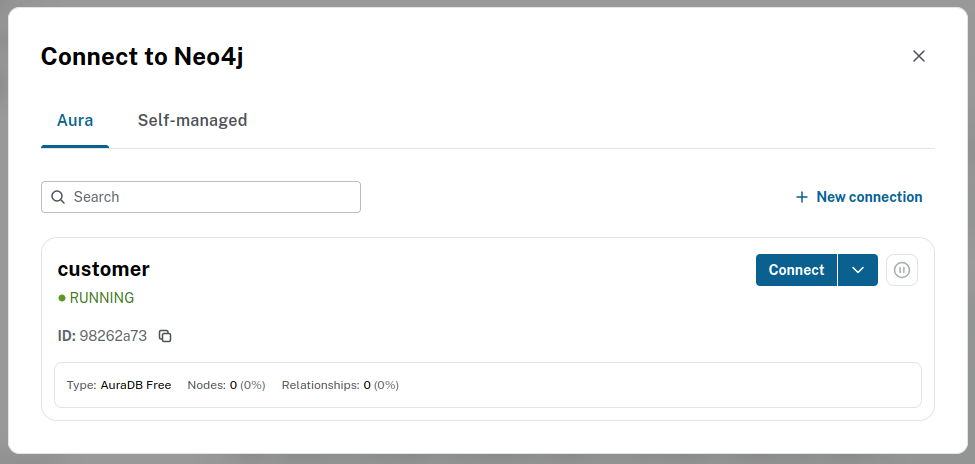
Create a new user at https://neo4j.com/ and click on Aura login.
Model
Nodes
:Customer
Suggested properties:
customerId(unique)nameemail(often unique)
:Product
Suggested properties:
productId(unique)namecategoryprice
Relationships
(:Customer)-[:BOUGHT]->(:Product)
Suggested relationship properties:
at(datetime of purchase)quantityorderId(optional)priceAtPurchase(optional)
(:Customer)-[:SEARCHED_FOR]->(:Product)
Suggested relationship properties:
at(datetime)query(what they typed)device(optional)count(optional if you want to aggregate)
Create model with Cypher
// Uniqueness constraints (recommended)
CREATE CONSTRAINT customer_id_unique IF NOT EXISTS
FOR (c:Customer) REQUIRE c.customerId IS UNIQUE;

CREATE CONSTRAINT product_id_unique IF NOT EXISTS
FOR (p:Product) REQUIRE p.productId IS UNIQUE;
// Sample nodes
MERGE (c1:Customer {customerId: "C001"}) SET c1.name="Alice", c1.email="alice@example.com"
MERGE (c2:Customer {customerId: "C002"}) SET c2.name="Bob", c2.email="bob@example.com"
MERGE (p1:Product {productId: "P100"}) SET p1.name="Laptop", p1.category="Electronics", p1.price=999.0
MERGE (p2:Product {productId: "P200"}) SET p2.name="Mouse", p2.category="Electronics", p2.price=25.0
MERGE (p3:Product {productId: "P300"}) SET p3.name="Mug", p3.category="Home", p3.price=9.0
// Relationships with properties
MATCH (c1:Customer {customerId:"C001"}), (p1:Product {productId:"P100"})
MERGE (c1)-[:SEARCHED_FOR {at: datetime("2026-01-20T10:15:00"), query:"best laptop"}]->(p1);

MATCH (c1:Customer {customerId:"C001"}), (p2:Product {productId:"P200"})
MERGE (c1)-[:BOUGHT {at: datetime("2026-01-20T10:45:00"), quantity: 1, orderId:"O9001", priceAtPurchase:25.0}]->(p2);

MATCH (c2:Customer {customerId:"C002"}), (p3:Product {productId:"P300"})
MERGE (c2)-[:SEARCHED_FOR {at: datetime("2026-01-21T09:05:00"), query:"coffee mug"}]->(p3);
Check
All nodes
List all nodes and relations.
MATCH (n)-[r]->(m)
RETURN n, r, m;
It finds every directed relationship in the graph and returns the start node, the relationship, and the end node.
Line by line
1) MATCH (n)-[r]->(m)
This is a pattern:
(n)= a node (any label)-[r]->= a relationshiprin its stored direction(m)= the node on the other end
So it matches every triple where there is a relationship from
n to m.
2) RETURN n, r, m;
Returns the matched triples. In Neo4j Browser this usually shows a graph
visualization of the matching nodes and edges.
It will NOT include isolated nodes (nodes with no relationships), because the pattern requires a relationship.
It matches all relationship types (BOUGHT, SEARCHED_FOR, etc.).
If you want only one type, add it:MATCH (n)-[r:BOUGHT]->(m) RETURN n, r, m;
Important notes
It matches all relationship types (BOUGHT, SEARCHED_FOR, etc.).
If you want only one type, add it:MATCH (n)-[r:BOUGHT]->(m) RETURN n, r, m;On large graphs, this can return a huge number of rows. Use a limit for safety:
MATCH (n)-[r]->(m)
RETURN n, r, m
LIMIT 200;
If you tell me your labels/types (e.g., :Customer,
:Product, :BOUGHT,
:SEARCHED_FOR), I can give you the best “show my model”
query that stays small and readable.
List all nodes and relations.
MATCH (n)
OPTIONAL MATCH (n)-[r]-(m)
RETURN n, r, m
LIMIT 200;
Sure — this query is a common “show me a slice of the graph” pattern.
MATCH (n)
OPTIONAL MATCH (n)-[r]-(m)
RETURN n, r, m
LIMIT 200;
1) MATCH (n)
Finds all nodes in the database, one by one.
After this line, the query has a stream of rows like:
row 1:
n = (some node)row 2:
n = (another node)…
2)
OPTIONAL MATCH (n)-[r]-(m)
For each node n, it tries to find a
pattern where:
nis connected to some other nodemvia a relationship
r-[r]-(with dashes on both sides) means either direction (ignores relationship direction)
Why OPTIONAL?
If a node n has no relationships, the row
is still kept — but r and m become
null.
Without OPTIONAL, isolated nodes would disappear from the
result.
3) RETURN n, r, m
Returns triples:
the node
nthe relationship
r(ornull)the neighbor node
m(ornull)
In Neo4j Browser this usually renders as a small graph visualization.
4) LIMIT 200
Stops after 200 result rows.
Important detail: each row is a match, not a unique
node.
So if one node n has 10 relationships, it can produce
10 rows (one per (r,m)), which can “use
up” the 200 quickly. Also, if a node is connected to many others, you’ll
see lots of rows for that same node.
What you get
A quick preview of the graph
Includes nodes that have no edges (they’ll show with
r = null,m = null)Not guaranteed to be “all nodes/relationships” — just the first 200 matched rows
If you want, I can show a variant that returns distinct nodes/relationships (less duplication) for cleaner visualization.
Useful queries (so you can demo it)
Customers who searched but didn’t buy a product:
MATCH (c:Customer)-[:SEARCHED_FOR]->(p:Product)
WHERE NOT (c)-[:BOUGHT]->(p)
RETURN c.customerId, c.name, p.productId, p.name;
Top searched products:
MATCH (:Customer)-[s:SEARCHED_FOR]->(p:Product)
RETURN p.name, count(s) AS searches
ORDER BY searches DESC;
“Customers who bought X also bought Y” (basic recommendation):
MATCH (c:Customer)-[:BOUGHT]->(p:Product {productId:"P200"})
MATCH (c)-[:BOUGHT]->(other:Product)
WHERE other <> p
RETURN other.name, count(*) AS freq
ORDER BY freq DESC;
If you want it even “richer” without getting big, we can add one
extra node like :Order (for multiple products per order) or
:SearchSession (to group searches), but the above is the
smallest solid model for your two relationship types.